
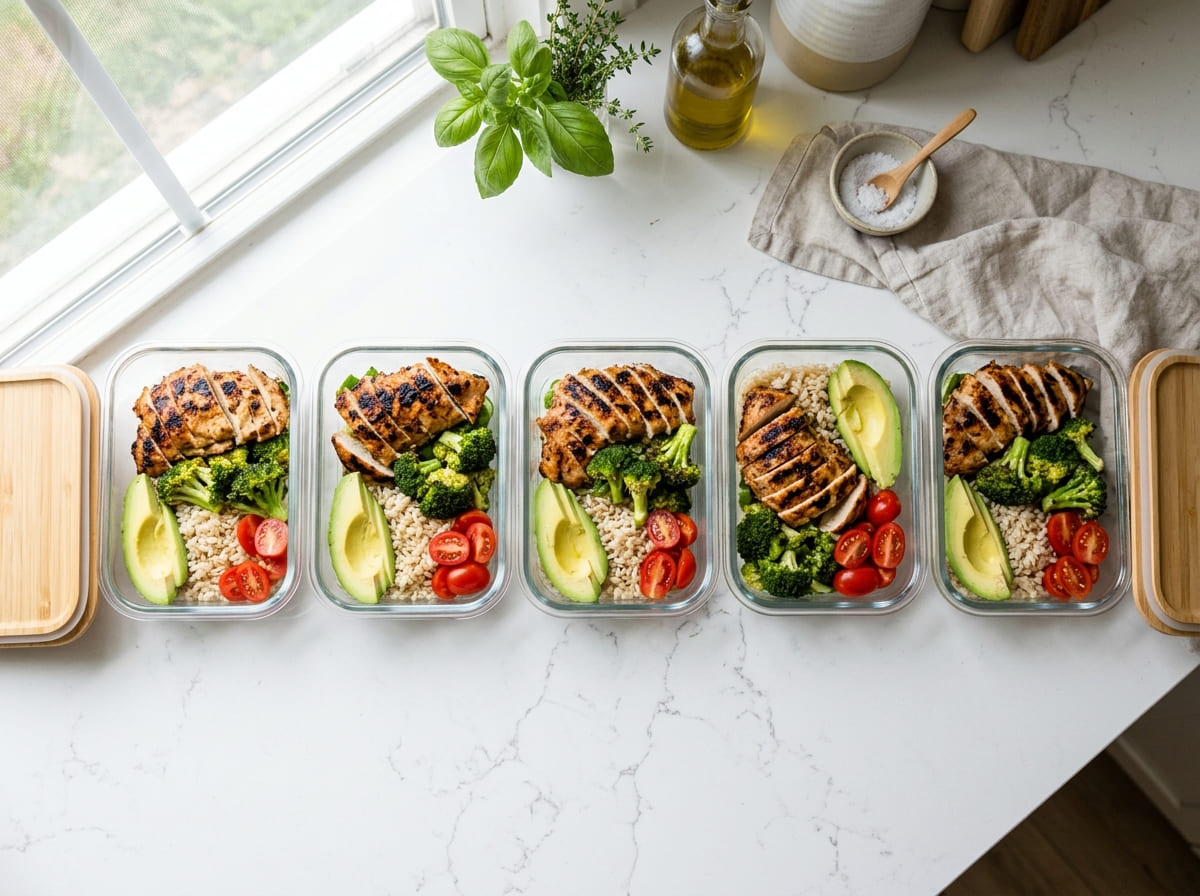
How to Create a Healthy Meal Prep Visual Plan Using a Free AI Image Editor
Quick Summary
- Visualizing meals before cooking is linked to 34% better diet adherence over 12 weeks — Journal of the Academy of Nutrition and Dietetics, 2024.
- Visual meal planners waste up to 41% less food per week — Food Marketing Institute data.
- The average American throws away $1,500+ in food annually — USDA. A visual plan is one of the cheapest ways to fix that.
- The whole workflow takes under 20 minutes with a phone photo and a free browser tool.
Here’s the short version: photograph your containers, drop that photo into a free AI image editor, and map out your whole week’s meals visually before you cook a thing. That’s it. The rest of this guide explains why it works and walks you through it.
Why Most Meal Prep Plans Fall Apart by Wednesday
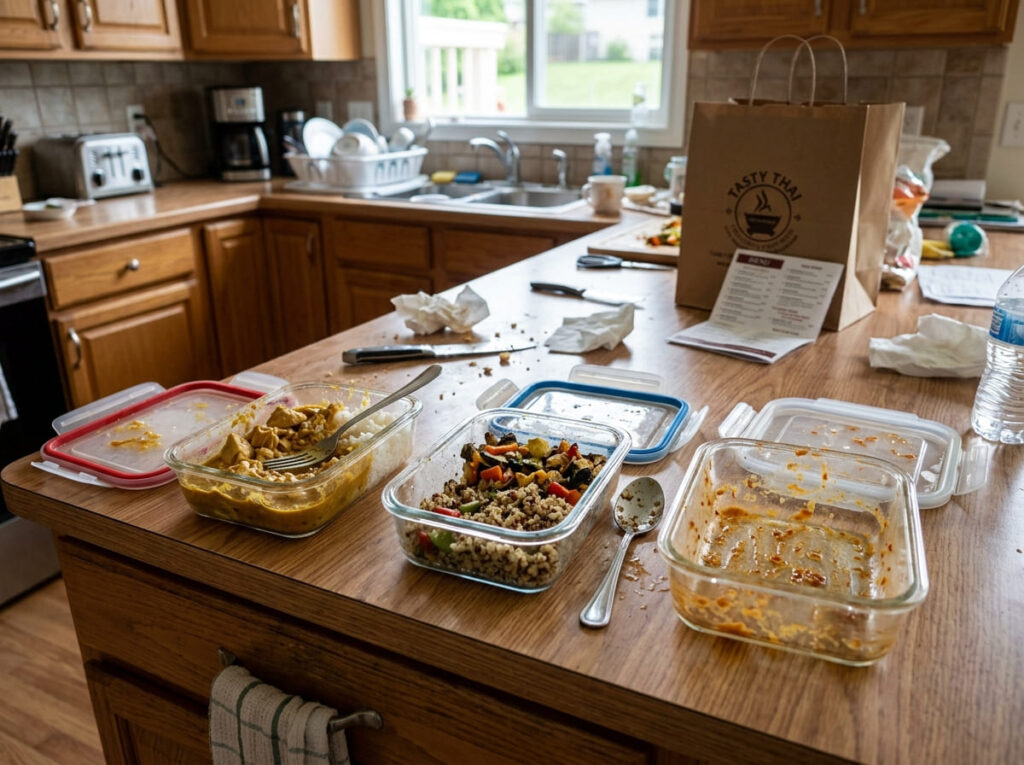
It’s not a motivation problem. Most people who meal prep on Sunday do want to eat well on Thursday. The issue is that a written list — “4 oz chicken, 1 cup rice, some broccoli” — doesn’t translate cleanly into what you actually put in five containers at 7pm after a long day. Things get eyeballed. Portions drift. By Tuesday, one container is stuffed and another is half-empty, and the plan stops feeling like a plan.
The International Food Information Council’s 2024 survey found that 68% of people who attempt meal prepping quit within four weeks. The two most common reasons? Couldn’t stick to portions, and got bored eating the same thing. Both of those are things you’d catch immediately if your plan were an image instead of a list. A photo of five identical containers tells you in one glance that you’re going to be bored by Wednesday. A list of “Meal 1–5: chicken and rice” somehow doesn’t.
| 68% | 41% | 34% |
| Of people who try meal prepping quit within 4 weeks IFIC 2024 Food & Health Survey | Less food waste weekly for households using visual meal plans Food Marketing Institute, 2024 | Higher diet adherence when meals are visualized before cooking Journal of Nutrition & Dietetics, 2024 |
What Visual Meal Planning Actually Means
It sounds fancier than it is. Visual meal planning just means your weekly food plan exists as an image — a photo of your real containers, marked up to show what goes where — rather than as a list on your phone or a spreadsheet nobody looks at after Monday.
Why does that matter? Because portioning mistakes are physical, not mathematical. You can know you need 4 oz of protein per container and still put 6 oz in the first one without realizing it. Seeing the fill level in a photo — even an edited one — gives your brain spatial feedback that numbers on a screen just don’t. MIT research has shown the brain processes visual information roughly 60,000 times faster than text. That gap shows up in real life as: you actually follow the visual plan, and you keep forgetting to check the text one.
“When patients can see their meal plan as a photograph of their actual food rather than a list, compliance rates go up noticeably. The visual cue creates a mental anchor that a text list can’t replicate.”— Dr. Michelle Harvie, Research Dietitian, Genesis Breast Cancer Prevention Centre, Manchester — Nutrition Today, 2024
Where a Free AI Image Editor Fits In
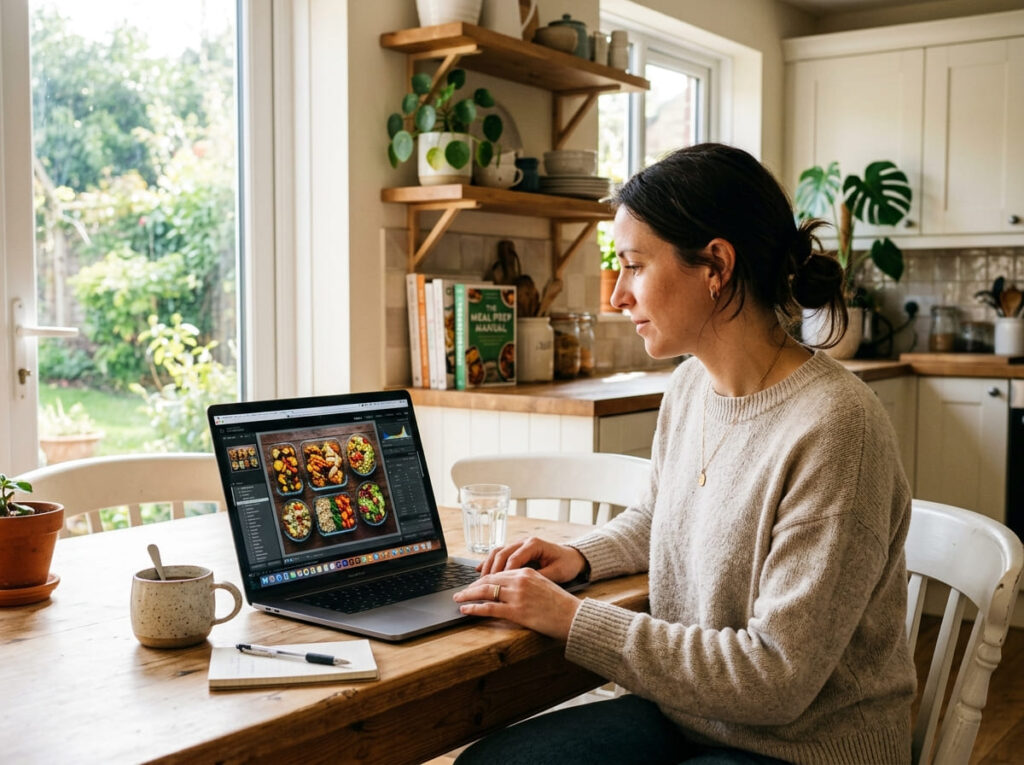
Until recently, building a visual meal plan meant drawing skills, or a graphic design app, or paying for some nutrition software with a clunky interface. None of those felt worth the effort for a Sunday meal prep session.
That’s changed. Browser-based AI tools now let you take a photo of your empty containers, upload it, and describe what you want in each one. The AI fills in a photorealistic version of that meal — actual food textures, correct portion volumes — in your real container photo. You end up with a visual of your entire week that looks like it was shot after cooking, except nothing has been cooked yet.
Here’s what the workflow looks like in practice. Set out your five containers. Take a flat-lay photo. Upload it to an AI photo editor in your browser. Select the first container, type something like “4 oz grilled chicken thigh, 1 cup roasted broccoli, half cup brown rice,” and the AI renders that into your actual photo. Do it for each container. Twenty minutes later you have a complete visual of your week — something you can print, save to your phone lock screen, or send to your dietitian for feedback.
No design background needed. No subscription. The whole thing runs in a browser tab.
How to Build Your Visual Meal Prep Plan Step by Step
This works for keto, Mediterranean, calorie counting, or honestly any eating approach. The steps are the same regardless of what’s going into the containers.
1. Set out all your containers before you do anything else
Put every container for the week on your counter at once. Seven containers for seven days, or five if you’re skipping weekends — whatever your plan is. Seeing them all out together is itself useful. It makes the week feel concrete in a way that a number in a spreadsheet doesn’t.
2. Shoot from directly overhead — flat lay style
Stand above the containers and point your phone straight down. Natural light from a window is ideal; skip the flash. This angle shows all containers at equal size and gives the AI the spatial information it needs to make the edits look realistic. A slightly overcast day actually works better than harsh direct sunlight — the shadows are softer.
3. Upload to the free AI image editor
Open Creative Fabrica Studio in any browser — Chrome, Safari, Firefox all work fine. Upload your flat lay photo. You’ll see it appear on the editing canvas. The tool uses generative AI to understand the 3D structure of your photo, which is why edits look like they belong in the image rather than pasted on top of it.
4. Fill each container with a text description
Select one container at a time. Type what you want in it — be specific about portions and textures, not just food names. “4 oz grilled salmon, 1 cup roasted asparagus, half cup quinoa” will render better than “fish and vegetables.” The AI fills that section with a photorealistic version of your meal. Work through each container one by one.
5. Add color overlays by macro or food group
Use the overlay tools to color-code each section: green for vegetables, red for protein, yellow for fat, orange for carbs. Step back and look at the full image. If your containers look like five green-and-red rectangles with almost no yellow, your fat intake is probably too low. If three of five containers are mostly orange, you’ll want to rethink the carb distribution — especially on keto.
6. Print it, save it, or share it — then cook
Export the finished image. A lot of people print it and stick it to the refrigerator door. Others save it as their phone lock screen wallpaper so it’s visible every time they grab their phone in the kitchen. A 2024 study in Appetite journal found people who displayed their meal plan visually in their kitchen were 2.3 times more likely to stick to it through the end of the week. Now you’re ready to cook with a plan you can actually see.
Color-Coding Your Containers by Macro
Color-coding sounds like extra work. It isn’t — and it’s probably the most useful single thing you can do with your visual plan. The whole point is that your brain reads color distributions faster than it reads labels. You can scan five containers for macro balance in about two seconds when they’re color-coded. That same check takes a minute or more with a text plan, which is why most people don’t do it.
| Macro / Food Group | Color | Common Foods | Target Share |
|---|---|---|---|
| Protein | Red | Chicken, fish, eggs, tofu, Greek yogurt | 25–35% |
| Vegetables | Green | Broccoli, spinach, zucchini, peppers, kale | 35–50% |
| Complex Carbs | Orange | Brown rice, quinoa, sweet potato, oats | 15–25% |
| Healthy Fats | Yellow | Avocado, olive oil, nuts, seeds, cheese | 10–20% |
| Fruit / Natural Sugars | Purple | Berries, apple slices, banana, melon | 5–15% |
Does This Work for Keto?
Short answer: yes, and arguably better than for any other diet.
Ketosis has a hard ceiling — usually 20 to 50 grams of net carbs per day, depending on the person. That’s not a lot of room. A tablespoon of the wrong sauce, a slightly larger sweet potato, a handful of berries that seemed fine — these small things add up and knock you out of ketosis without you realizing it until you’re wondering why you feel flat on Thursday. On a text plan those additions are easy to miss. In a color-coded visual plan, any orange or purple zone stands out immediately against a field of green and yellow.
For keto specifically, a well-balanced container should be mostly green (non-starchy vegetables) and yellow (fat sources — avocado, olive oil, cheese, nuts), with a solid red section (protein) and almost no orange at all. If you look at your five containers and see significant orange in more than one of them, you’ve got a problem to fix before you cook — and it takes about ten seconds to spot it.
“The visual component of a keto meal plan isn’t optional — it’s the mechanism by which people actually maintain ketosis through a busy week. The plan has to be something you can check in five seconds, not five minutes.”— Maria Emmerich, keto nutrition specialist, author of Easy Keto Cookbook — Healthline Nutrition, 2024
Mistakes Visual Planning Catches Before They Happen
Most meal prep mistakes are invisible until you’ve already cooked everything. Visual planning moves the catch point earlier — to before you’ve bought anything, let alone cooked it.
- Protein front-loading. It’s extremely common to pile protein into the first two containers and get stingy with the rest. On a text list you wouldn’t notice. In a color-coded photo, the red zone clusters on one side of the image like a warning sign.
- The vegetable illusion. Writing “add vegetables” and actually filling half a container with broccoli are very different things. A photo makes the difference between those two things impossible to ignore.
- Keto carb creep. Small additions — a sauce, some fruit, a scoop of quinoa — look harmless in text. In a visual plan with color overlays, the orange and purple zones stand out against the green and yellow background immediately.
- Portion drift across containers. If container #1 looks significantly fuller than container #5, that’s a planning problem you can fix before you cook. After cooking it’s a food waste problem.
- Variety blindness. Five identical containers in a photo look boring. Five identical lines in a list don’t register the same way. The visual reality of eating the same thing every day for a week hits differently when you’re looking at an image of it — and you still have time to change it.
Frequently Asked Questions
Can I use a free AI image editor to plan my weekly meals?
Yes — that’s basically the whole idea. Photograph your containers, upload the image, and use the AI to fill each one with a visual of what’s going in it. Creative Fabrica Studio’s free AI image editor works in any browser, no account or download required. You just upload and start editing.
How does visual meal planning improve diet adherence?
A 2024 study in the Journal of the Academy of Nutrition and Dietetics tracked people over 12 weeks and found 34% higher adherence among those who visualized their meals before cooking versus those who used text-only plans. The working theory is that a photo of your actual food registers as more concrete and more achievable than a list of foods and gram amounts — your brain treats it as something that already exists, rather than something you still have to do.
What is the best free AI image editor for meal prep planning?
For this specific use case, Creative Fabrica Studio is worth trying first. It’s browser-based, free to start, and the generative fill tool handles food textures and container fills realistically. You don’t need Photoshop experience — just describe what you want in the container and let it render.
How much food waste does visual meal planning reduce?
The Food Marketing Institute found households with visual meal plans waste up to 41% less food per week. The USDA estimates average household food waste at about 31% of purchased food — around $1,500 per year. A visual plan helps because you buy specifically for what you can see in the image, rather than roughly estimating and over-purchasing “just in case.”
Does visual meal planning work for keto and low-carb diets?
It works really well for keto — probably better than for most other diets. The carb ceiling for ketosis is tight enough that small visual imbalances matter. Color-coding your containers (green for vegetables, yellow for fat, red for protein, minimal orange for carbs) gives you a five-second macro check before cooking that would take five minutes to do from a text list. Any orange zone you’re not supposed to have stands out immediately.
Sources
- International Food Information Council. 2024 Food and Health Survey. foodinsight.org
- Journal of the Academy of Nutrition and Dietetics. Visual Meal Planning and Dietary Adherence: A 12-Week Randomized Controlled Study. 2024.
- Food Marketing Institute. 2024 Power of Foodservice at Retail Report. fmi.org
- USDA Economic Research Service. Food Loss and Waste in the United States. ers.usda.gov
- MIT Department of Brain and Cognitive Sciences. Visual Processing Speed Research. 2024.
- Appetite Journal. Environmental Cues and Meal Plan Adherence: A Behavioral Study. 2024.
- Adobe Inc. 2024 Creative Economy Report. adobe.com
- Emmerich, Maria. Easy Keto Cookbook. Healthline Nutrition interview, 2024.
- Harvie, Dr. Michelle. Nutrition Today. Genesis Breast Cancer Prevention Centre, 2024.